
Why and How I Moved My Next.js Blog from AWS to Cloudflare Pages
TOC
1. Why did I move? 🤔
I had been running my personal blog on AWS S3 for a year on the free tier.
From April onward the bills started coming, and I began to wonder whether it was really worth paying for as things stood.
Paying for something while learning from it is of course a plus, and personally I thought of it as investing in the future — but as of right now it just isn't high on my list of priorities 😛;;;
So while looking around I came across Cloudflare Pages, whose free plan is strong, and since this is a personal project I decided to try migrating. This is the record of how that went.
2. Why Cloudflare Pages? ☁️
- The cost issue
- It's a personal blog, not a large-scale service
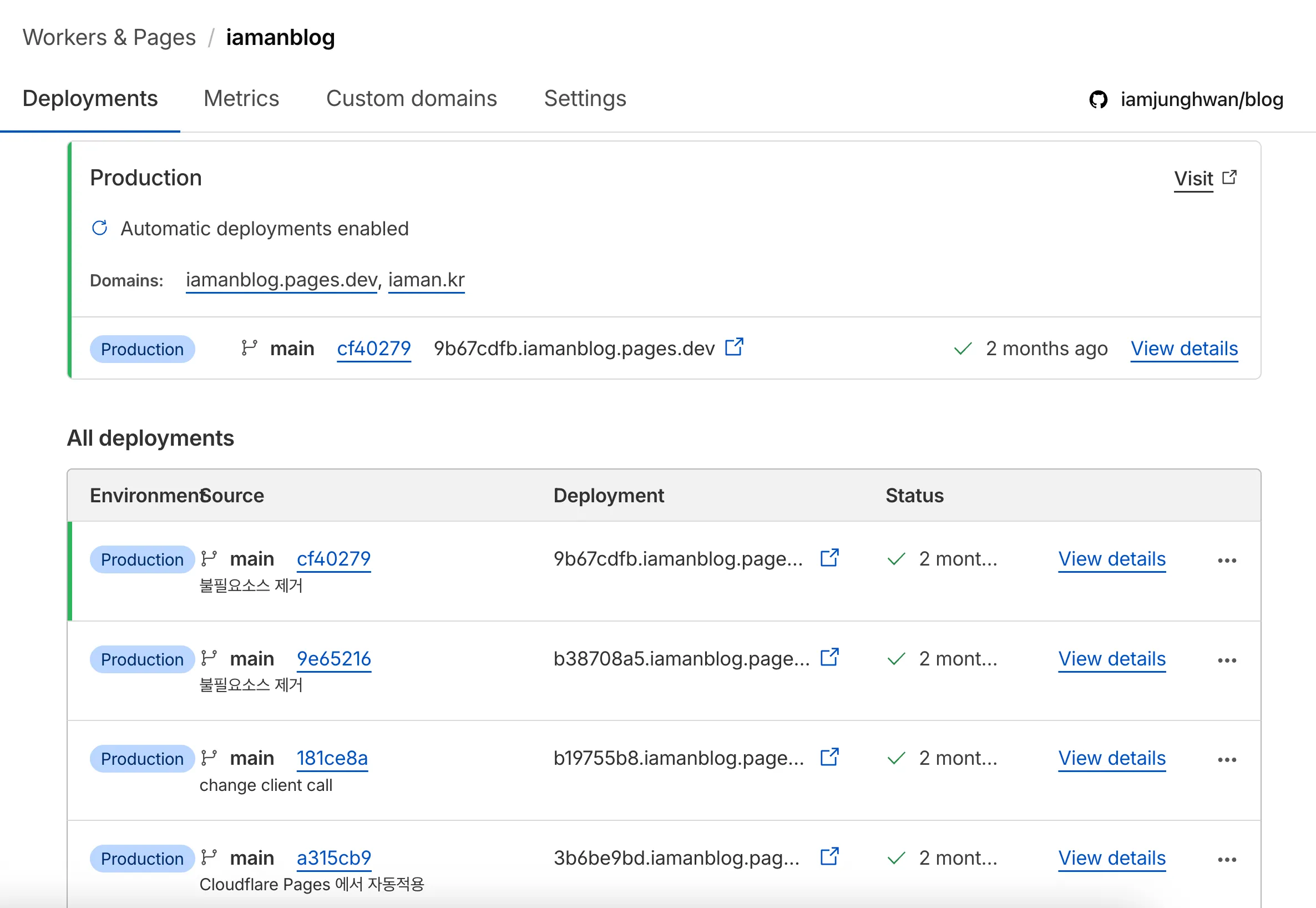
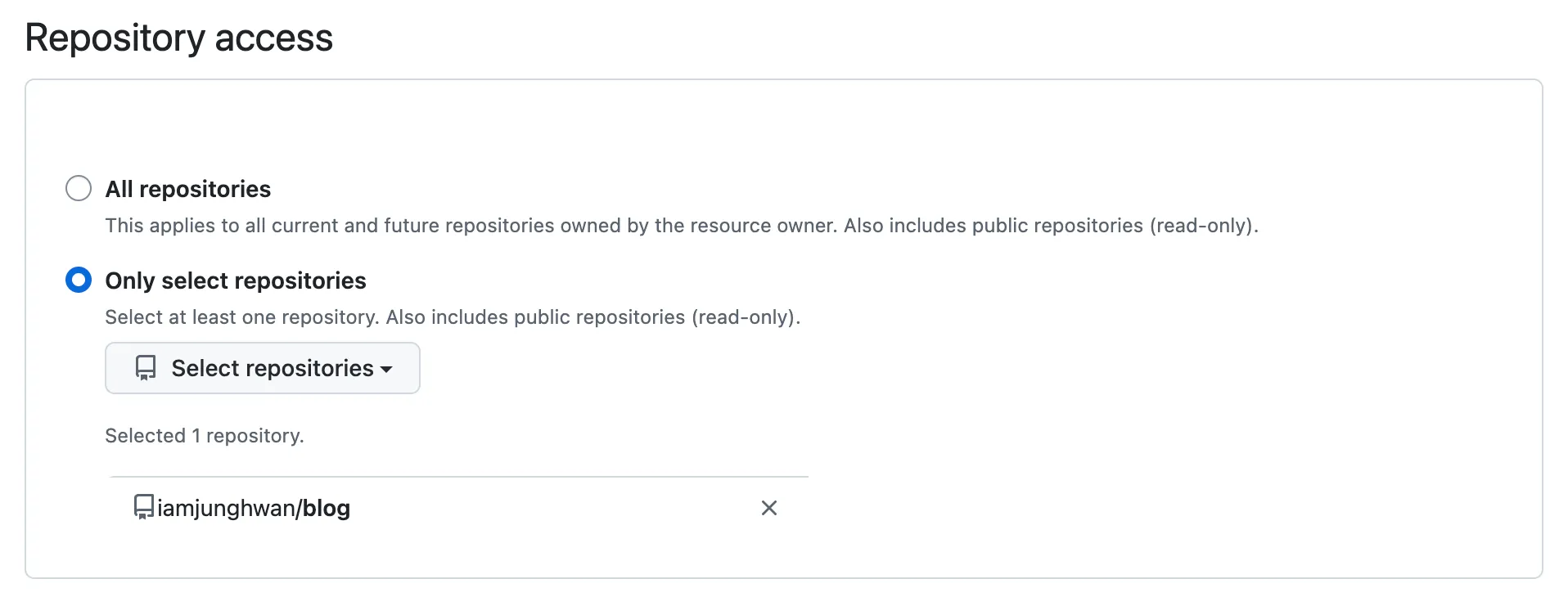
- Automatic deploys on git push ( + a deployment log dashboard )
- A global CDN
- Next.js support ( there are issues... let's be honest, Vercel is the one to follow... )
- At the scale of a personal blog, operational simplicity mattered more than AWS's flexibility
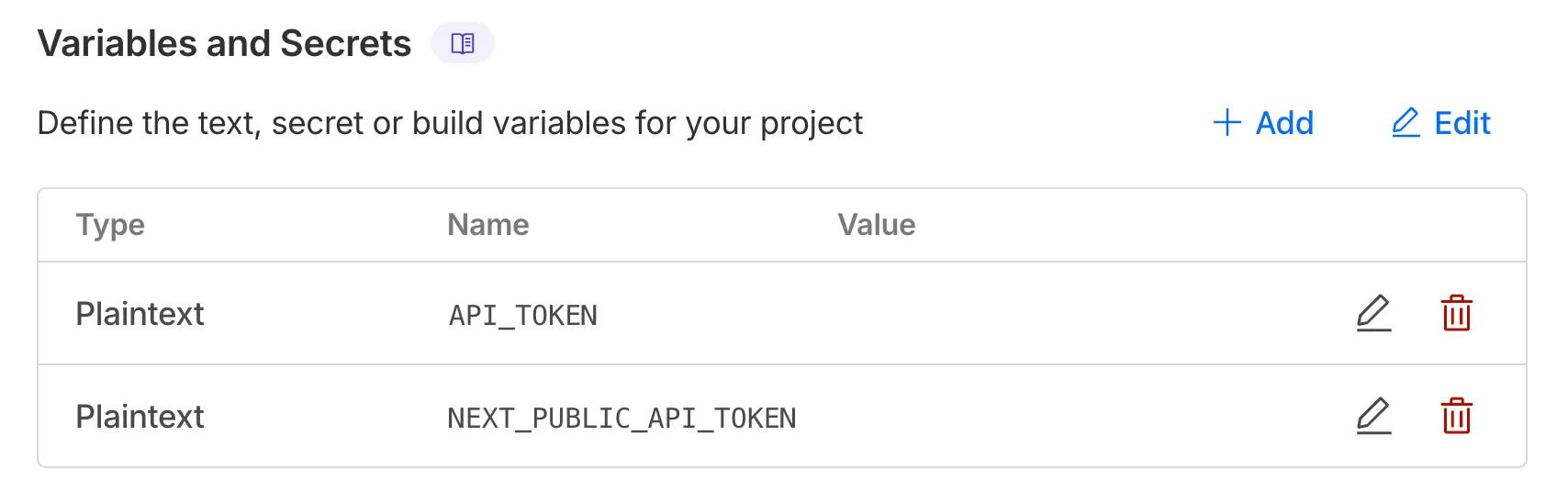
- Easy environment variable setup
3. What went wrong along the way? 👀
3-1. next/image isn't supported
next/image isn't a plain React component — it's a "server-based image optimization feature,"
and the Cloudflare Pages environment isn't quite identical to Next.js's own image optimization server
In Next.js, writing
<Image src="/test.png" width={300} height={200} />
actually results in :
/_next/image?url=...&w=...
a call to the optimization API, where the Next.js server handles things like
- compression
- resizing the image
- converting to webp
- and so on
However,
Cloudflare Pages is built on "static hosting,"
and because I set output: 'export' in next.config.ts to suit Cloudflare Pages,
next export only generates HTML, CSS, and JS — it doesn't create the Next.js image optimization server
The fix
Use the img tag
- Why : the images in posts are mostly static, and CDN caching is plenty
3-2. Next.js's headers() isn't applied automatically
Next.js's
headers()feature attaches HTTP headers dynamically when the server respondsWith
output: 'export', the Next.js server itself is gone, so the headers configuration can't work eitherIn export mode, next build simply generates static HTML files — there is no server.
So there is nothing to execute headers(), which is why it prints a warning.
The warning log :
Specified "headers" will not automatically work with "output: export"
The fix
Instead of Next.js headers(), Cloudflare uses a _headers file
How to use it :
          1. Create a `public/_headers` file in the project's public folder.

          2. /images/\*
              Cache-Control: public, max-age=31536000, immutable
That's the shape of it.
Once deployed, Cloudflare reads this and applies the headers
4. Summary of the problems
-
The first thing that blocked me in moving to Cloudflare Pages was next/image.
It had worked without trouble before,
but with static-export-based deployment, Next.js's image optimization API doesn't run.
In the end I judged that for a blog, plain static images suit better than elaborate optimization,
and I switched to img tags.
-
On AWS, Next.js's headers() configuration worked properly,
but in Cloudflare Pages' static export environment it was no longer usable.
In a static deployment, the Next.js server simply does not exist.
So I migrated to Cloudflare's own _headers file approach.
4-1. Something I wondered : it worked fine when I deployed to AWS..?
On AWS the Next.js server was genuinely alive,
whereas with Cloudflare Pages + output : 'export' the server is gone.
That's why
next/image and headers()
both worked fine on AWS,
and became restricted on Cloudflare Pages.
5. Wrapping up
The biggest change in moving to Cloudflare Pages was that 'the Next.js server disappeared.'
next/image and headers(), which I used without a second thought on AWS, no longer behave the same way in a static export environment.